Buying guide
How to choose a laptop for your studies
Processor, memory, storage, battery: the criteria that really matter for a student, and the ones not worth paying extra for.
· 5 min read
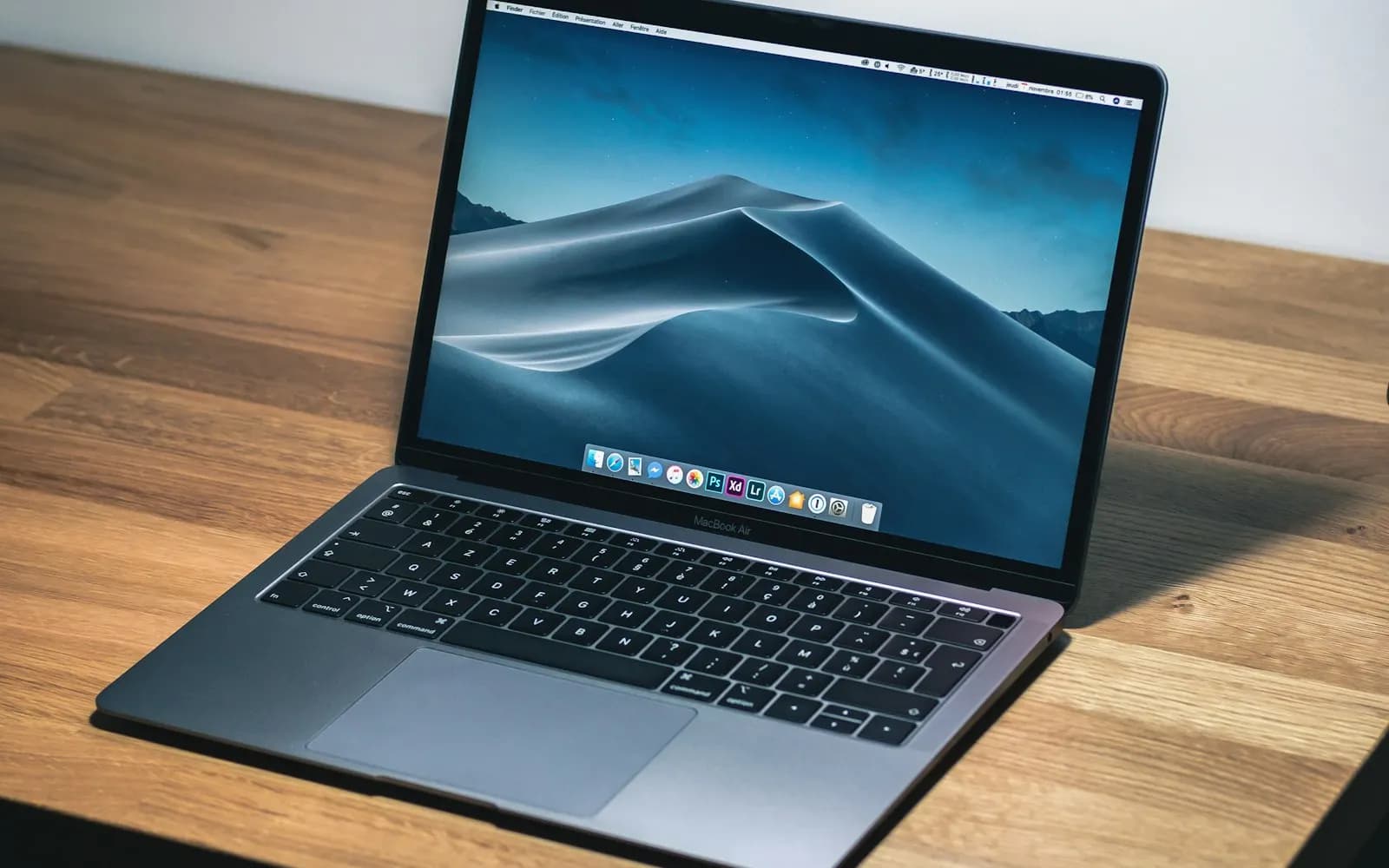
A student laptop needs to last several years, survive daily commutes and stay smooth with a dozen browser tabs, a word processor and a video call. Good news: you don't need a high-end model for that.
Processor: aim for a recent mid-range chip
An Intel Core i5 or AMD Ryzen 5 from the last three generations is more than enough for office work, programming and light photo editing. A Core i3 is fine on a tight budget, as long as it comes with an SSD.
Memory: 8 GB minimum, 16 GB if you can
With 8 GB, Windows and a browser run well. For programming, design software or video, 16 GB makes a real difference. Check whether the memory can be upgraded: it is listed in the specifications of every Lavendeuse product page.
Storage: always an SSD
An SSD makes a computer far more responsive than a traditional hard drive. 256 GB is enough if your documents live in the cloud; 512 GB is more comfortable.
Battery, weight and screen
- Aim for at least 7 hours of real battery life to get through a day of classes.
- Under 1.6 kg, a laptop is easy to carry every day.
- A Full HD IPS display is easier on the eyes than an entry-level HD panel.
New or refurbished?
A refurbished business laptop, such as a Dell Latitude or an HP EliteBook, often has a better build than a new model at the same price. On Lavendeuse, the condition, grade and battery health are shown on every listing.
Not sure what to pick? Tell Déborah what you study and your budget, and she will suggest a shortlist in seconds.