Compatibility
DDR4 or DDR5: how to know which memory to buy
The two memory types are not interchangeable. Here is how to check in two minutes what your motherboard accepts.
· 4 min read
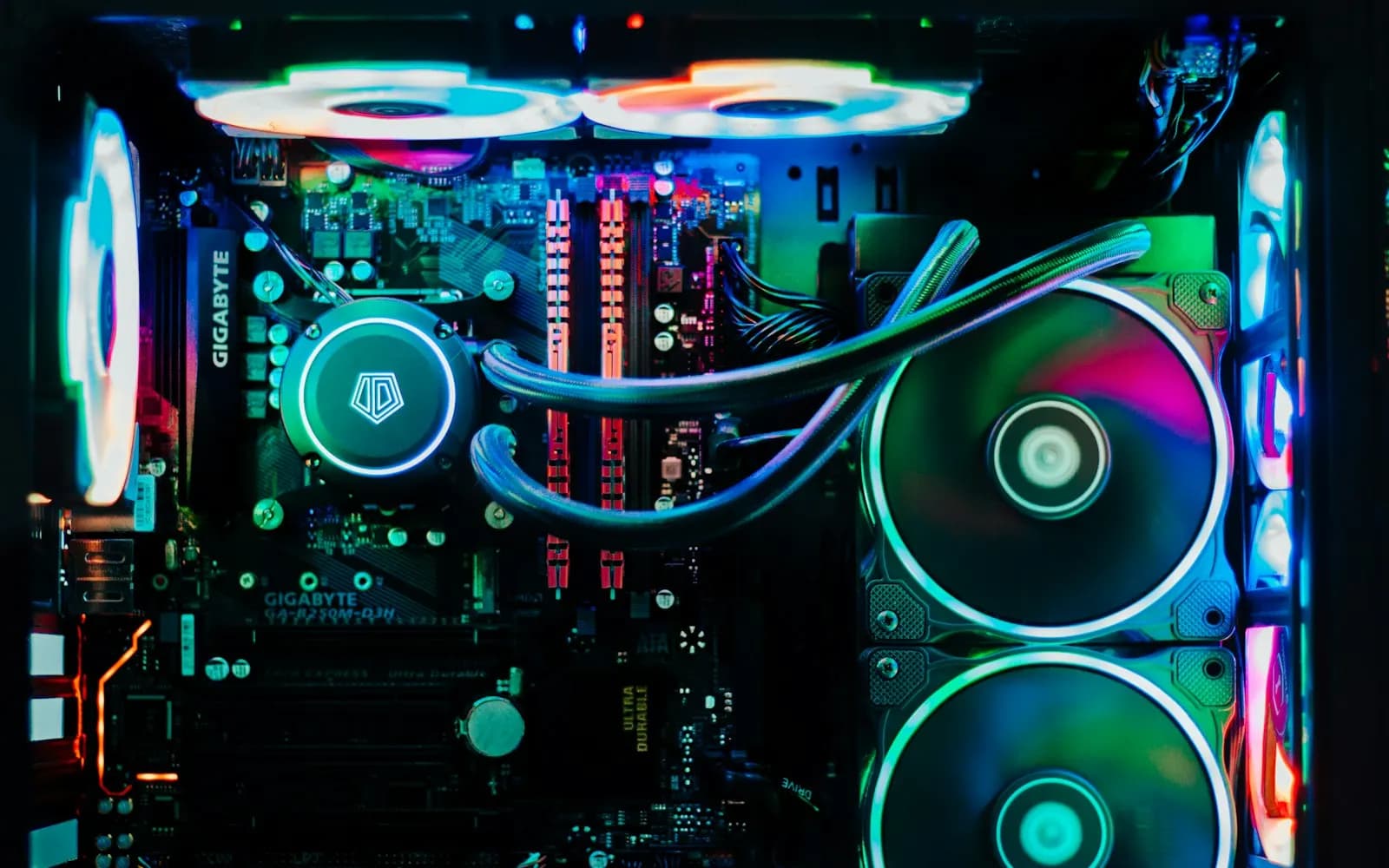
It is the most common upgrade mistake: buying memory sticks that don't fit the motherboard. DDR4 and DDR5 modules have the notch in a different place, so it is physically impossible to mix them up.
The motherboard decides
Each motherboard takes a single memory type. Find its model name (printed on the board or shown in CPU-Z), then apply these simple rules:
- AMD A520, B550, X570 chipsets (AM4 socket): DDR4.
- AMD A620, B650, X670 chipsets (AM5 socket): DDR5 only.
- Intel B760, Z790 chipsets: DDR4 or DDR5 depending on the model. DDR4 versions are often labelled D4.
What about laptops?
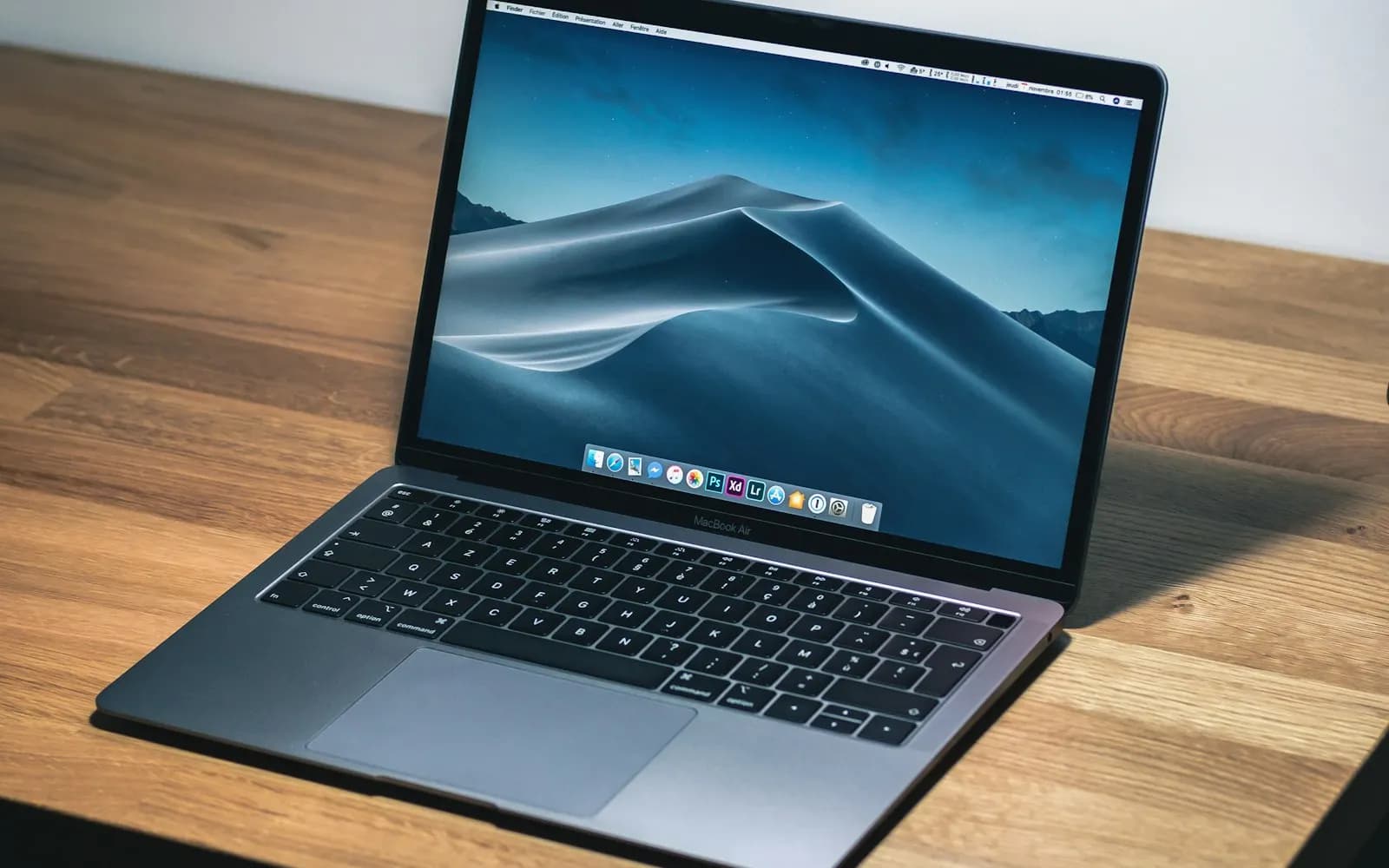
Laptops use shorter SO-DIMM modules. On many recent models the memory is soldered and cannot be changed. Look for the word "expandable" in the specifications.
Capacity and speed
Always install memory in identical pairs to benefit from dual channel. For a recent gaming PC, 32 GB of DDR5 at 6000 MHz is the best balance today.
On Lavendeuse, compatibility is checked automatically: a motherboard page lists the compatible memory and processors. You can also ask Déborah: "Which RAM for my B550 motherboard?".